HiAPI: One API for Image, Video & Text Models
HiAPI provides unified, OpenAI-compatible access to image, editing, and video generation models through one API key. Test prompts in the playground.

✦Key takeaways
- 1Use HiAPI’s single API key to call image generation, image editing, and text-to-video workflows.
- 2Start with OpenAI-compatible requests and test prompts in the built-in playground before integrating.
- 3Write prompts with a structured formula so your text-to-video outputs stay consistent.
- 4Plan around Veo 3.1’s typical outputs (4–8 seconds) and up to 4K support.
- 5Compare unified billing and transparent pricing versus managing multiple model providers separately.
Why I Built HiAPI Around Unified Access
I built HiAPI to remove the integration tax that comes from using multiple AI model providers for the same product surface—images, edits, and video—from a single app backend.
When you’re shipping media generation features, you don’t want to rewrite authentication, request formatting, and billing logic every time you try a new model. You want one API key, one billing story, and predictable request shapes.
HiAPI’s approach is simple: unified access through a single API key, with OpenAI-compatible requests so developers can move quickly from experiments to production.
On the model side, I focused on practical workflows like Veo 3.1 text-to-video, where you can go from a single sentence to a finished clip, including outputs that can include ambient sound and dialogue and support up to 4K while keeping the subject’s appearance consistent.
I also wanted a feedback loop that’s friendly to builders. That’s why HiAPI includes public docs and a playground for testing models before you wire them into your own pipeline.
The Problems HiAPI Solves for Builders
Most teams don’t struggle with “can the model generate something?” They struggle with the operational glue: multiple SDKs, different auth methods, different request schemas, and different billing units across providers.
When you prototype a feature like text-to-video, you often end up with a throwaway prompt and a temporary integration. Later, when you need production reliability, the integration work becomes the real bottleneck.
Even if each provider has great documentation, you still have to map your app’s internal data model to each provider’s format. That’s time you could spend on prompt iteration, asset pipelines, and product UX.
For video specifically, teams want repeatable outputs from structured prompts. Without a consistent prompting approach and a consistent API interface, it’s hard to debug why the same idea sometimes yields different results.
Finally, pricing transparency matters. If you can’t quickly understand the cost of a run (or how credit units map to outputs), you can’t confidently design quotas, budgets, or usage tiers. HiAPI’s pricing and unified billing aim to make that clearer.
What HiAPI Does for Image and Video
HiAPI gives developers unified access to leading AI models for image generation, image editing, video generation, and text workflows through a single API key.
It supports OpenAI-compatible requests, so you can adopt it with familiar request patterns rather than learning a completely new interface for each model.
For model selection and testing, HiAPI includes public docs and a playground so you can run prompts and inspect outputs before you commit to an integration.
On the Veo 3.1 side, the text-to-video route is designed for developers who need finished clips directly from a single line of text, with outputs that can include ambient sound and dialogue and support up to 4K while keeping the subject’s appearance consistent.
HiAPI’s goal is to make “one app → many models” behave like “one app → one API,” with transparent pricing and unified billing to reduce the complexity of managing multiple providers.
- ✓One API key for image generation, image editing, and video generation workflows
- ✓OpenAI-compatible request format for faster adoption
- ✓Public docs plus a playground for prompt testing before integration
- ✓Transparent pricing and unified billing across supported models
- ✓Model-focused support for Veo 3.1 text-to-video prompts (single-line input)
Getting Started with HiAPI
Pick a model route
Start with a model route that matches your output type. For example, if you’re building a finished clip feature, use Veo 3.1 text-to-video (the page shows “Try veo-3.1/text-to-video”).
Send an OpenAI-compatible request
From your backend, call HiAPI with an OpenAI-compatible request shape using your single HiAPI API key. Your input is the prompt text. In the playground, results appear after you run.
Use a structured prompt formula
Write prompts in a structured way so you can control camera language and scene details. The Veo 3.1 page includes prompt guidance like a “Prompt Formula Card” and examples.
Iterate with prompt + constraints
Treat prompt iteration like a versioned workflow. Start with a base cinematic prompt, then tweak one variable at a time (camera movement, palette, depth of field, or constraints like “no subtitles”).
Integrate into your app pipeline
Once outputs are reliable, reuse the same request pattern in production. Because HiAPI is designed for unified access, you can add or swap supported image/video/text models without rebuilding auth and billing logic. Example prompt to adapt: “An uninterrupted 8-second long take… dollies in… lateral truck… 24fps motion blur… no subtitles, no text overlays.”
Who HiAPI is For
Indie product founders
You want to ship media generation features without spending weeks on provider-specific integrations, request schemas, and billing plumbing.
Solo developers and small teams
You benefit from one API key and OpenAI-compatible requests so you can prototype quickly in the playground and then move to production with fewer changes.
AI feature engineers
You care about prompt structure, repeatability, and debugging. HiAPI’s model testing flow helps you iterate on prompts with clearer constraints.
Makers building creative tools
If your app turns text into finished assets, you need predictable output timing (like 4–8 seconds) and clarity on pricing/credits to design usage limits.
HiAPI vs Canva, Figma & Sketch
HiAPI isn’t a design suite, so the comparison is about workflow: where you generate or assemble media versus where you create layouts and visuals. If your goal is programmatic image/video generation with unified API access, HiAPI is the relevant layer; Canva/Figma/Sketch are relevant for editing and composition after generation.
| Feature | HiAPI | Canva | Figma | Sketch |
|---|---|---|---|---|
| Primary purpose | Programmatic AI generation for image/video/text via one API key | Graphic design and templates | Collaborative interface design and prototyping | Vector design and UI tooling |
| How you use it | Send prompts through an API (OpenAI-compatible requests) | Create and edit assets in the browser | Design in a collaborative editor | Design with a desktop app |
| Video generation | Text-to-video workflows like Veo 3.1 (finished clips from a single line of text) | Not a unified text-to-video API workflow | Not a unified text-to-video API workflow | Not a unified text-to-video API workflow |
| Integration + billing | Unified billing with transparent pricing and a single API key | No API-first unified billing for model runs | No API-first unified billing for model runs | No API-first unified billing for model runs |
| Best fit | Builders shipping AI media generation inside apps | Designing layouts and visuals | Designing product UIs | Designing vector artwork and UI |
Real-world use cases
Indie app founder turning scripts into clips
You take a single-line idea from a user (e.g., a scene description) and generate a finished 4–8 second video clip. You keep the integration stable by using HiAPI’s unified API key and OpenAI-compatible request shape.
Developer adding cinematic camera controls
Your UI collects camera intent like “dolly in,” “truck,” and lighting style. You convert those fields into a structured prompt that mirrors the Veo 3.1 prompt guidance, then generate consistent shots without rebuilding provider-specific requests.
Small team prototyping prompt variations
You use the HiAPI playground to test a base prompt and then iterate: change the camera movement pacing, palette, or constraints like “no subtitles.” Once you find a good default, you move the same prompt logic into production.
Creative tool builder with predictable output constraints
You design your quota system around the model’s typical clip duration range (4–8 seconds) and plan your UX to show progress and results. Transparent pricing and unified billing help you reason about costs.
Engineer debugging subject consistency
When you see subject drift, you adjust prompt phrasing based on the model page’s guidance about maintaining the subject’s appearance. Because the API interface stays unified, you can focus on prompt changes instead of integration changes.
Frequently asked questions
Try HiAPI
HiAPI — Use HiAPI’s single API key to call image generation, image editing, and text-to-video workflows.
More from the blog
All articles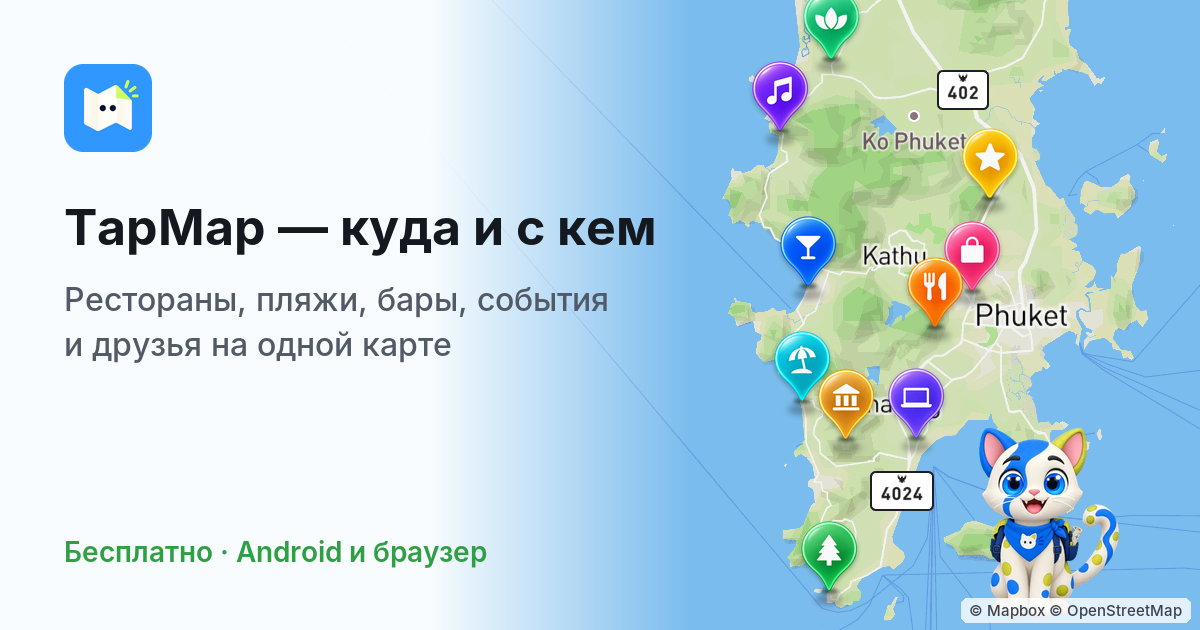
TapMap: Shared Maps, Local Events & Friends
TapMap is a social network built on maps for restaurants, beaches, events, and friends. Create shared collections, personalize styles, and find what to choose now—free on iPhone, Android, and web.
travel esim comparison with MeSIM: Compare & Buy Plans
Compare 7,000+ travel eSIM plans across 200+ destinations on MeSIM. Choose data and duration, buy online, and get eSIM setup instructions.