OneKDP: AI Book & KDP Cover Generator
OneKDP helps you create editable interiors and full print-wrap KDP covers, then preview them together before export. Use free KDP tools and AI credits with cost shown before generation.
✦Key takeaways
- 1Generate editable interiors, full print-wrap covers, or both in one project using OneKDP.
- 2Preview cover and interior together to catch print issues before KDP upload.
- 3Use free KDP calculators and manual editing tools; AI generation uses visible credits.
The Story Behind OneKDP
I built OneKDP as a single workspace for the part of self-publishing that usually gets scattered across too many tools: turning an idea into KDP-ready files. On the surface, it’s an AI book generator and a KDP book cover generator—but the real goal is practical continuity. You shouldn’t jump between separate systems for interiors, cover sizing, and exports, then discover print problems only after you’ve uploaded.
So OneKDP keeps the workflow together: generate editable book pages, design a cover with front/spine/back print-wrap, and then preview cover and interior together to spot print issues before export. The product is also designed to respect what KDP publishers already do well—manual editing, cover sizing checks, and file preparation—so the free KDP tools and manual editing stay available while AI generation uses credits with the cost shown before you start.
The result is a workspace that supports multiple book types—novels, workbooks, coloring books, puzzle books, journals, and planners—without forcing you into a single style or template. You can set language and typography for readers, choose a rhythm that fits your publishing pace, and export files to upload through your own KDP account.
The Problem OneKDP Solves
When you self-publish on Amazon KDP, the hard part isn’t only writing or ideation. It’s the technical handoff: interior formatting, cover sizing, spine math, and export files that match KDP’s expectations. If you use different tools for interiors vs. covers, it’s easy to end up with a cover that looks good in isolation but fails when printed with the interior.
Another common friction point is uncertainty. Many AI tools generate something quickly, but they don’t show you the practical publishing details early enough—like cover sizing and print-wrap alignment—or they hide the cost until after you’ve already committed. That’s a problem when you’re iterating on multiple book versions or testing cover directions for different reader segments.
Finally, publishers often need both automation and control. You might want AI assistance to draft pages or produce cover concepts, but you still need manual editing and KDP calculators to finalize the files. A workflow that treats AI and manual publishing tasks as separate worlds forces extra back-and-forth.
What OneKDP Does
OneKDP is an all-in-one book creation workspace for Amazon KDP self-publishers. You can generate editable book interiors, create full print-wrap covers (front, spine, back), or do both in one project. Then you preview the cover and interior together to spot print issues before you export files for upload through your own KDP account.
The generator is built for real publishing use cases: novels, workbooks, coloring books, puzzle books, journals, and planners. You can also set language and typography for your readers, so the output aligns with your intended audience rather than being a generic placeholder.
To keep the workflow grounded, OneKDP includes free KDP tools and manual editing. AI generation uses credits, and OneKDP shows the cost before you start—so you can decide whether to generate a new cover direction, regenerate interiors, or refine a project without guessing what each action will cost.
- ✓AI book generator for editable interiors
- ✓KDP book cover generator with full print-wrap (front/spine/back)
- ✓Single-project workflow for interiors + cover together
- ✓Preview cover and interior together to catch print issues
- ✓Set language and typography for your readers
- ✓Export files for upload via your own KDP account
- ✓Free KDP calculators and manual editing tools
- ✓AI generation credits with cost shown before starting
How OneKDP Works
Start a book project from an idea
Create your book project in OneKDP and begin with your content direction—novel draft, workbook structure, coloring book concept, puzzle format, journal prompts, or planner categories. Then use the AI book generator to create editable pages for your interior.
Generate interiors with editable output
When you generate interior content, you’re producing editable book pages rather than a locked image. That matters because you’ll likely refine sections, adjust formatting, and align typography before export.
Design a KDP cover in one workspace
Use the KDP book cover generator to create a full print-wrap cover: front, spine, and back. You can explore multiple cover directions—one idea, four directions—so you can test what fits your book and reader expectations.
Preview cover + interior together
OneKDP lets you preview the cover and interior together to spot print issues before you upload. For example, if your title text placement feels off relative to the spine or your interior page look doesn’t match the cover style, you can catch it during the preview phase instead of later.
Export publishing files for KDP upload
Once the interior and cover are ready, export the files and upload them through your own KDP account. The goal is to get you to reviewable, publishing-ready files—cover sizing and separate export files included.
Use free tools and credits for AI
If you want to fine-tune cover sizing, use free KDP calculators and manual editing tools. If you want AI generation, you’ll spend credits, and OneKDP shows the cost before you start so you can decide whether to regenerate.
Who OneKDP is For
Indie authors publishing on KDP
You want a focused workflow that takes you from idea to editable interiors and a full print-wrap cover, with preview checks before upload.
Book designers who iterate fast
You need manual control plus AI assistance—generate cover directions, refine typography, and use free KDP tools to finalize exports.
Creators of workbooks and planners
You’re building structured content (journals, planners, activity formats) and want interiors that remain editable while the cover matches the book’s purpose.
Self-publishers testing multiple cover directions
You’ll benefit from the ability to explore multiple directions for one idea and preview cover + interior together to reduce print surprises.
OneKDP vs Canva, Reedsy & Vellum
OneKDP is purpose-built for Amazon KDP publishing files: editable interiors, KDP cover sizing, print-wrap covers, and a preview step before export. General design or publishing tools can help with layout, but they don’t center the same KDP-specific workflow.
| Feature | OneKDP | Canva | Reedsy | Vellum |
|---|---|---|---|---|
| KDP cover print-wrap output | Full print-wrap cover (front, spine, back) generated in the KDP cover workflow | Design-focused; cover production is not KDP-specific print-wrap generation | Publishing tools; not centered on KDP print-wrap cover generation | Formatting-focused; not a KDP cover generator workflow |
| Editable interior generation | AI-generated book interiors as editable pages | Templates and design; not an AI book interior generator workflow for KDP | Editorial/publishing services; not an AI interior generator for KDP | Layout/formatting; not an AI interior generator for KDP |
| Cover + interior preview before export | Preview cover and interior together to spot print issues before upload | Preview depends on your workflow; not KDP cover+interior print issue preview | Not KDP-specific preview of cover/interior alignment | Not an integrated KDP cover+interior preview step |
| Free KDP tools for calculations | KDP calculators and manual editing are free | Free tiers vary; no KDP calculator workflow as a core feature | Pricing varies; no explicit KDP calculator workflow as a core feature | Pricing varies; not presented as free KDP calculators |
| AI cost transparency via credits | AI generation uses credits and shows cost before you start | AI usage cost depends on plan and features; not presented as credits with pre-start cost display | Not an AI credits-based KDP generation workflow | Not an AI credits-based KDP generation workflow |
Real-world use cases
Solo founder generating a new novel interior
I start a OneKDP project from my novel draft, generate editable book pages with the AI book generator, then refine sections manually. After that, I generate a full print-wrap cover and preview cover + interior together to reduce print surprises before I export for KDP upload.
Workbook creator testing four cover directions
I use the “one idea, four cover directions” approach to find a cover that matches the workbook’s tone. In the same workspace, I generate or refine the interior, preview everything together, and then export the publishing files once the cover and interior look consistent.
Coloring book author aligning cover style to pages
I generate a coloring book interior with editable pages, then create a cover that clearly signals the activity inside. After generating the print-wrap cover, I preview cover and interior together to catch practical layout or print issues before upload.
Planner publisher finalizing typography and language
I set language and typography for my intended reader audience, generate the interior, and then design a cover that fits the planner’s theme. Before exporting files, I preview cover and interior together so the final KDP upload reflects the same design intent.
Frequently asked questions
Try OneKDP
OneKDP — Generate editable interiors, full print-wrap covers, or both in one project using OneKDP.
More from the blog
All articles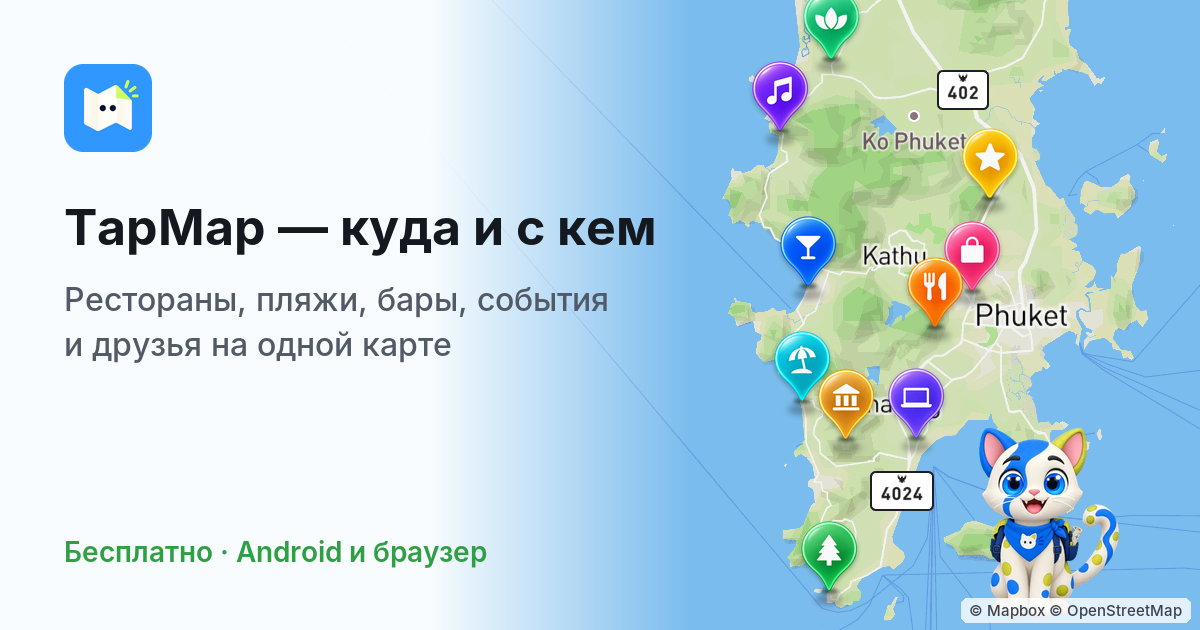
TapMap: Shared Maps, Local Events & Friends
TapMap is a social network built on maps for restaurants, beaches, events, and friends. Create shared collections, personalize styles, and find what to choose now—free on iPhone, Android, and web.
travel esim comparison with MeSIM: Compare & Buy Plans
Compare 7,000+ travel eSIM plans across 200+ destinations on MeSIM. Choose data and duration, buy online, and get eSIM setup instructions.